
On this page
A business WordPress site can look finished in staging and still fail on day one. Forms go nowhere, certificates expire mid-campaign, backups never get a restore test, and nobody knows who owns the hosting login when something breaks at 9pm.
Launch is an operations gate. Design and copy matter, but go-live is about evidence that the site can stay online, take leads, and be maintained without heroic guesses. This guide walks through a WordPress launch checklist for business sites. It covers preflight ownership, hosting, security, plugins, backups, performance, light SEO and measurement setup, handoff, and the first two weeks after DNS flips.
Preflight owners, access, and the go-live decision
Before you touch DNS, write down who owns each layer. Business launches stall when access lives in a freelancers inbox and billing sits on a personal card nobody can find after the project closes.
Name owners for domain registrar, DNS, hosting panel, WordPress admin, email (if mail lives on the same domain), analytics, Search Console, and payment or CRM accounts. Prefer business-owned emails and shared password vaults over personal Gmail forwards. If an agency built the site, decide in writing whether they keep admin access after launch, and at what permission level.
Decide what “done” means before you flip the switch. A workable go-live bar for a service business usually includes HTTPS working on the live hostname, homepage and key money pages loading without PHP fatals, contact form delivering to a monitored inbox or CRM, backups enabled with at least one successful restore drill, and no staging URL or “coming soon” plugin left active on production.
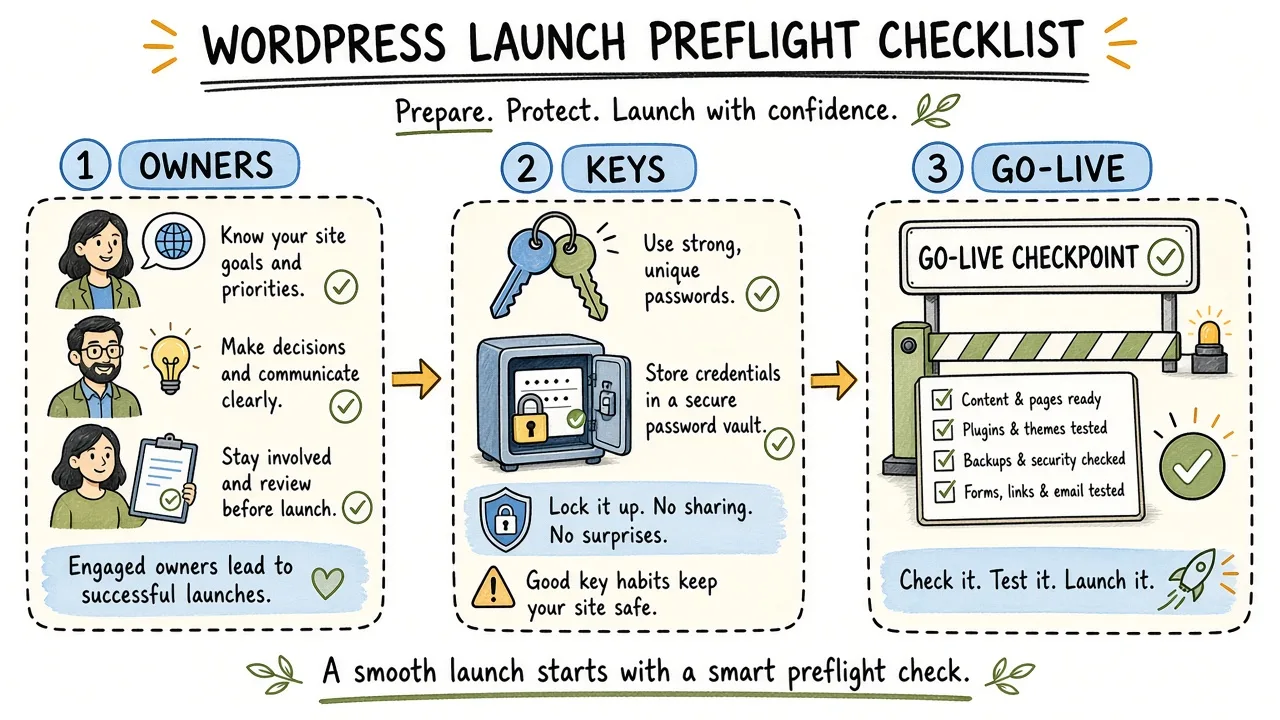
Sticky notes for domain, DNS, hosting, WordPress admin, and analytics owners before the DNS cutover.
Tip: Put the go-live decision in a short shared note. If marketing wants to announce on Tuesday and ops still has no restore proof, Tuesday is the wrong day.
Hosting and environment readiness
Hosting is where many “WordPress is slow / WordPress got hacked” stories actually start. For a business site, pick a plan that matches traffic and update habits. The cheapest shared box that installs WordPress in one click is rarely that plan.
Confirm PHP and MySQL versions are within what current WordPress requirements support. Turn on automatic security updates for WordPress core if your host or management workflow supports them safely, and keep a path to roll back if an update breaks a custom theme. Force HTTPS at the host or reverse-proxy layer so mixed-content warnings do not appear only after you share the URL in Slack.
Check that the production site uses the live domain in WordPress Settings → General (WordPress Address and Site Address). Staging URLs hard-coded in the database are a classic post-migration surprise. Search-replace carefully if you migrated; a blind find-replace can break serialized theme options.
Disk, inode, and email sending matter more than brochure “unlimited” claims. Forms that rely on PHP mail() often land in spam or fail silently. Prefer authenticated SMTP through a transactional provider or your workspace suite, and send a real test from the live domain.
| Check | Pass looks like | Fail looks like |
|---|---|---|
| PHP / DB | Supported versions per WordPress docs | End-of-life PHP “because the theme works” |
| HTTPS | Valid cert on the live hostname | Browser warnings or HTTP still canonical |
| URLs | Site Address matches production | Staging subdomain still in settings |
| SMTP test lands in inbox | Form “sends” but nothing arrives | |
| Resources | Headroom for media and spikes | Disk full after a week of uploads |
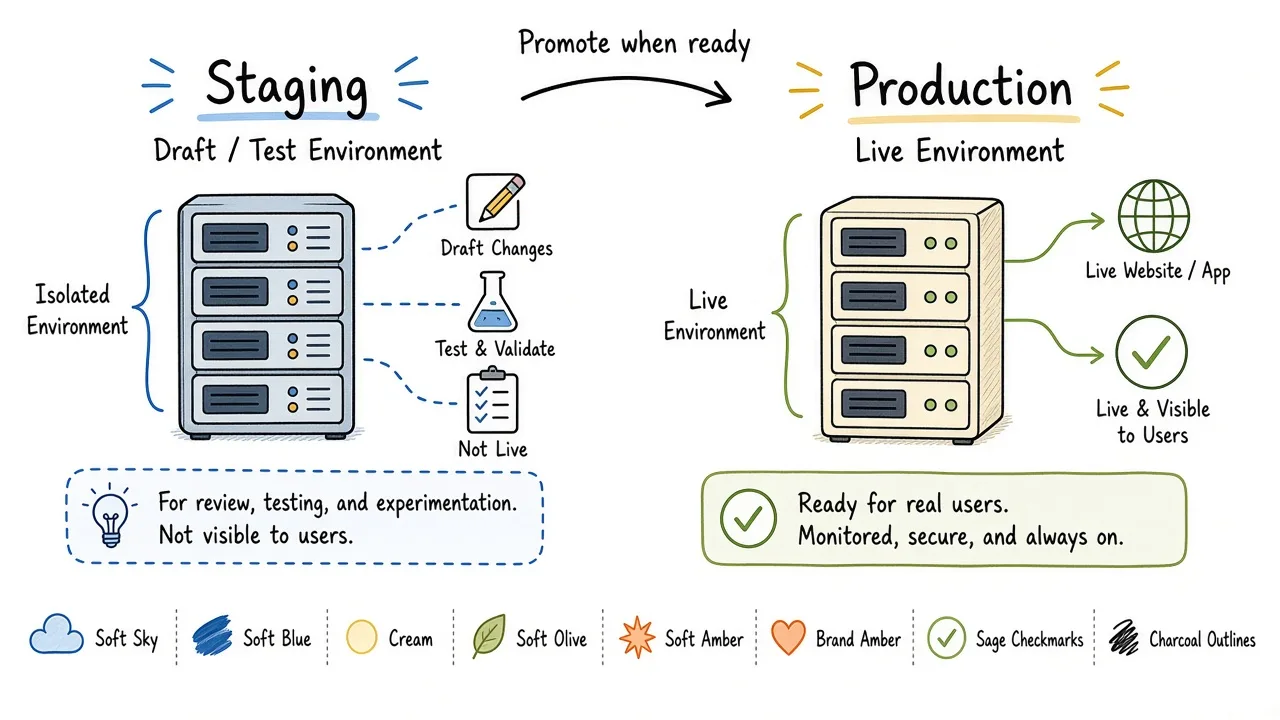
Hosting readiness as HTTPS, supported PHP, database health, and mail that actually delivers.
If you are rebuilding rather than launching a brand-new property, treat migration as its own project with redirects and a freeze window. A clean WordPress setup engagement usually locks environment choices before design polish so launch week is not spent arguing about hosts.
Security baseline before the public URL is live
You do not need a fortress on day one. You do need defaults that stop the boring attacks that hit every exposed wp-login.php.
Use unique, strong admin passwords and stop sharing a single “admin” account across the whole team. Create role-appropriate users (administrator, editor, author) and remove unused accounts left over from freelancers. Prefer a custom admin username and keep the default admin account gone if it ever existed.
Keep WordPress core, themes, and plugins updated before launch. Waiting until “after the campaign” is how known CVEs meet a public homepage. Delete unused themes and plugins instead of leaving them deactivated; deactivated code still sits on disk. Limit login attempts or put the login behind host-level protection if your provider offers it. Confirm file permissions are sane for your host’s model, and that wp-config.php is not world-readable.
Turn on a Web Application Firewall only if you understand what it blocks. Misconfigured bot fights can block legitimate crawlers and your own monitoring. Two-factor authentication for administrator accounts is worth the friction on any site that takes leads or payments.
Warning: Do not leave
WP_DEBUGenabled on production. Debug output can leak paths and plugin internals into HTML or logs that visitors should never see.
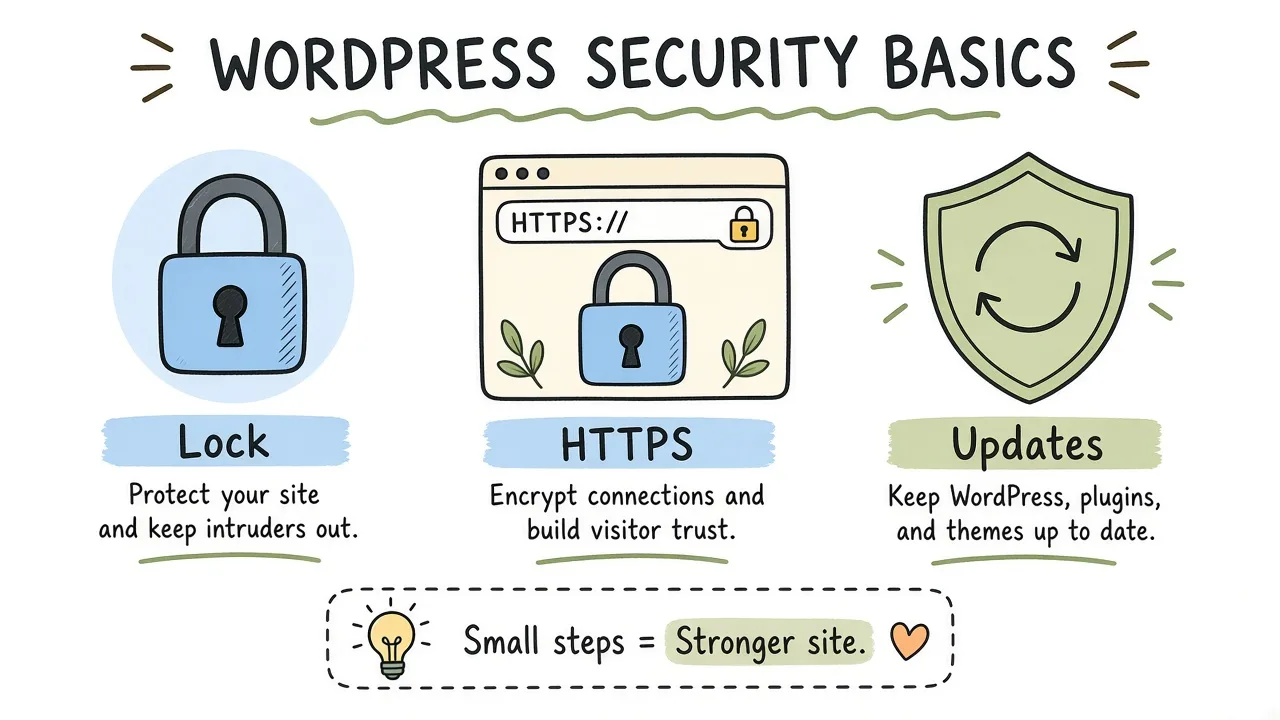
Day-one security as strong accounts, updates, login friction, and locked-down files.
Review the WordPress hardening guidance for your stack, then apply only what you can maintain. A half-finished “security suite” with conflicting firewall rules is worse than a short, owned checklist.
Plugin discipline at launch
Plugins are how WordPress becomes a business tool. They are also how sites accumulate conflict, weight, and abandoned code.
Inventory every active plugin and write one sentence for why it exists. Merge duplicates (two SEO plugins, two form plugins, two cache layers). Prefer well-maintained plugins with a clear update cadence over “free forever” clones with no support path. Page builders can be fine for editorial flexibility; they become a liability when every landing page is a unique snowflake with no shared templates.
Disable or remove demo-content importers, migration helpers, and “coming soon” tools from production. Anything that can rewrite URLs or flush rewrites should be used deliberately, then removed or locked down.
| Plugin class | Launch rule |
|---|---|
| Forms | One primary form stack; test every destination |
| SEO | One SEO plugin or framework; no competing sitemaps |
| Cache / optimize | One caching approach aligned with the host |
| Security | One coherent stack; avoid overlapping firewalls |
| Backup | Independent of the theme; restore tested |
| Builder | Shared templates; no abandoned demo pages |
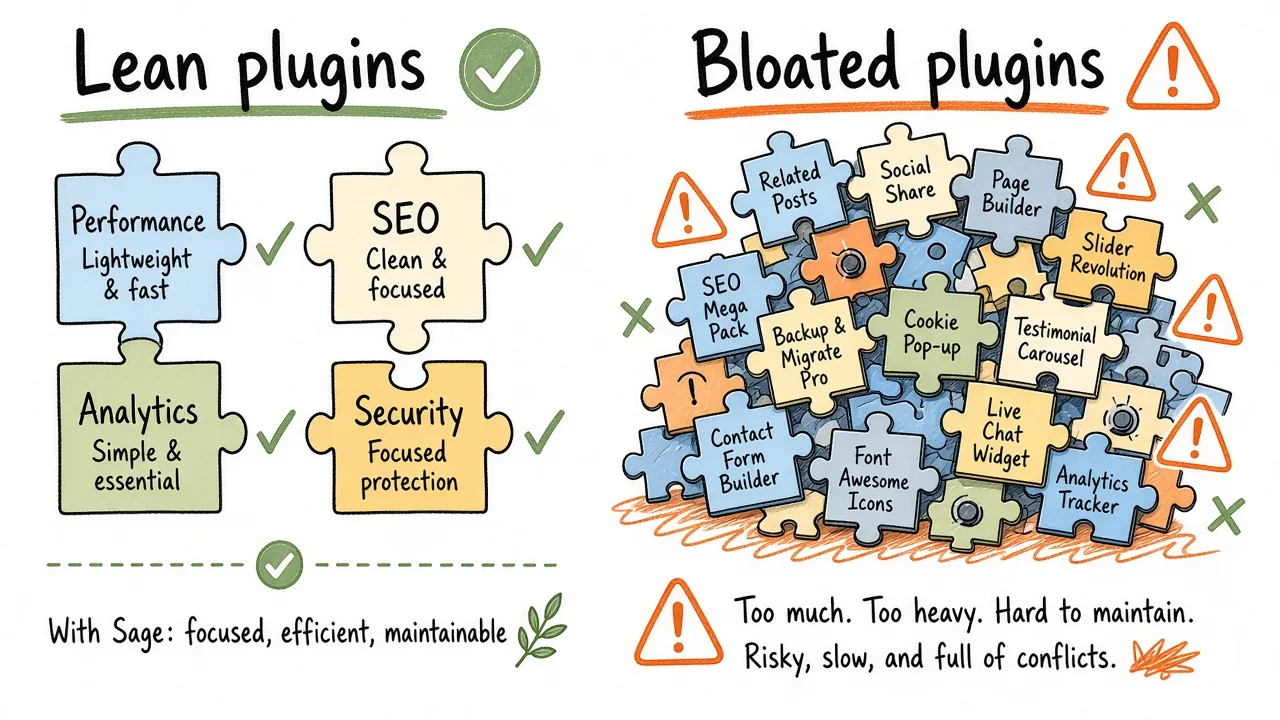
Active plugins sorted into keep, merge, and remove before go-live.
Common mistake: Installing a “performance” plugin that minifies CSS while the host already minifies and a CDN already optimizes images. Pick one owner for caching and document it.
Backups that you can actually restore
A backup you have never restored is a hope file. Business sites need a schedule, an offsite copy, and a restore drill before marketing spend hits the URL.
Decide what you back up (files, database, or both), how often, and where copies live. Hosting snapshots are useful; they should not be the only copy if a billing dispute or account compromise can wipe the panel. Keep at least one recent backup outside the primary host.
Run a restore into a disposable staging environment before launch. Time it. Note which credentials and DNS tricks you needed. If restore takes half a day and undocumented SSH, fix that process while the site is still quiet.
After launch, confirm backups still run on the live hostname and that cron or the hosts scheduler did not stay pointed at staging. Document who gets the failure email when a backup job dies.
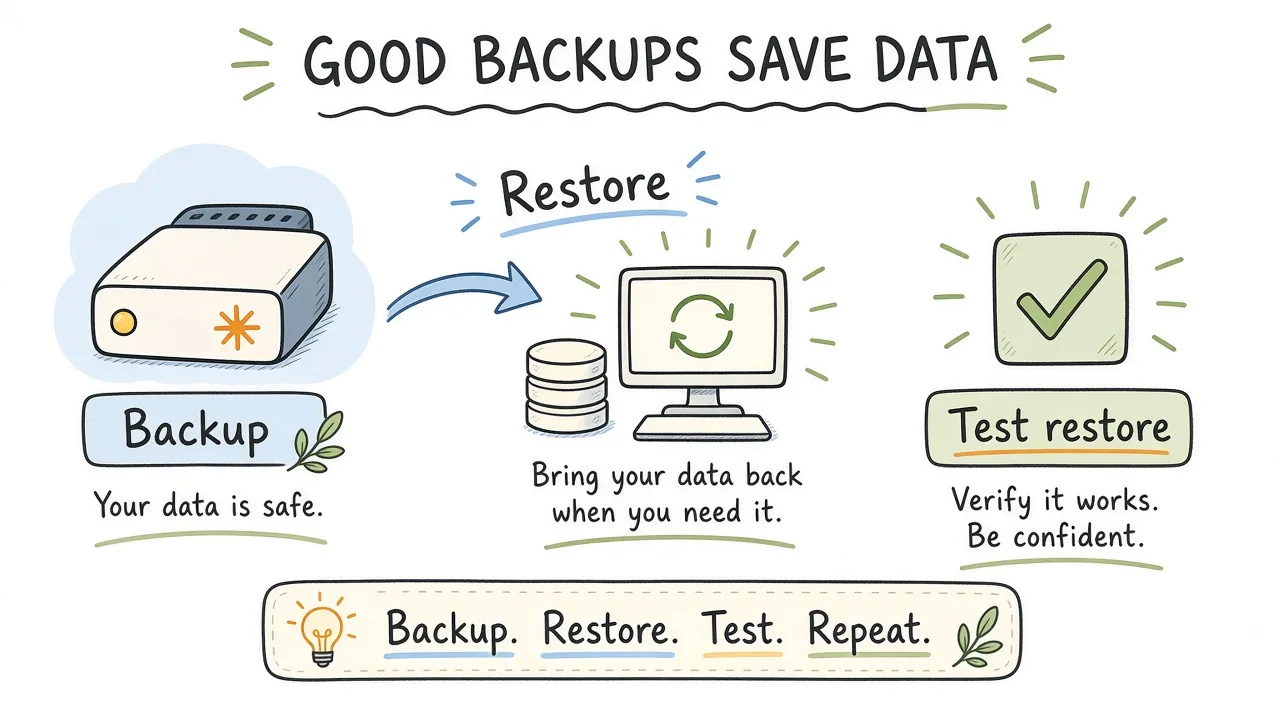
Files and database flowing to offsite storage, with an explicit restore-test step.
Best practice: Schedule the restore drill on the calendar the same week as DNS cutover. Treat a failed drill as a launch blocker.
Performance before you buy traffic
Slow first loads burn paid ads and sales demos. You do not need a perfect Lighthouse score to launch a brochure site, but you should know how the money templates feel on a mid-range phone on ordinary wifi.
Measure the homepage, a key service or product page, and the contact or checkout path. Compress and resize hero images before upload; do not rely on a plugin to fix a 4MB PNG. Defer non-critical scripts where your theme allows it. Avoid stacking three analytics tags, a chat widget, a heatmap tool, and a popup on day one unless each one has an owner and a measurement job.
If you use a CDN, confirm the live domain is correctly attached and that cache purge is someone on the team can run. Purge after deploy so editors do not chase “I updated it but the site still shows the old logo” for an afternoon.
Caching plugins and host-level page cache should not fight each other. Document the single path for “I need to see a fresh page now.”
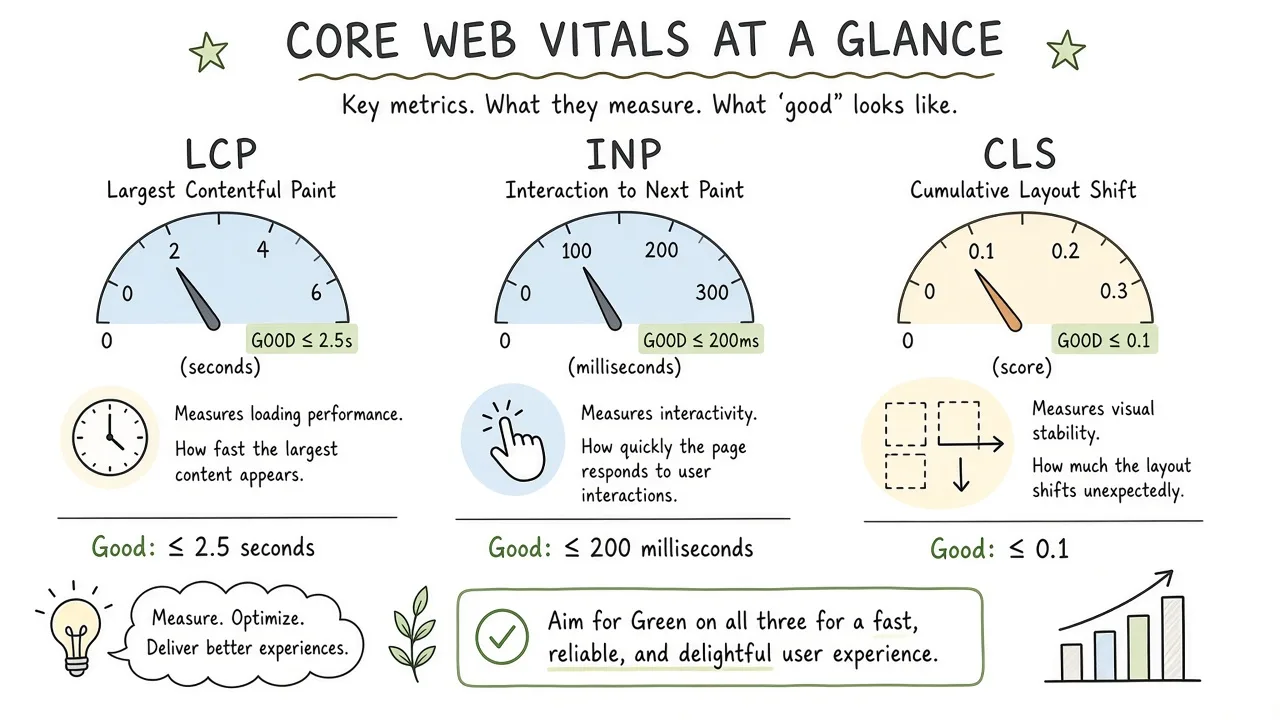
Launch performance as image weight, one caching path, and a phone-sized smoke test.
Core Web Vitals and deeper crawl issues can wait for a focused pass after the site is stable. If organic search is already a growth channel, schedule a technical review separately rather than stuffing a full audit into launch night.
SEO basics that belong at go-live
Launch SEO is about not shooting yourself in the foot. It is not a substitute for ongoing content and technical work.
Confirm the site is indexable on production (Settings → Reading is not discouraging search engines). Remove password protection and basic-auth from the public hostname. Submit a clean XML sitemap in Google Search Console once the live domain verifies. Set a preferred URL shape (www or non-www, trailing slash policy) and make redirects consistent.
Each money page needs a unique title and meta description that a human would click. Homepage H1 should name the business offer. Leave “Welcome” for the intranet. Add organization or LocalBusiness schema only if the data is accurate and maintained; wrong NAP in JSON-LD creates cleanup work later.
If you migrated from an old site, ship a redirect map for high-traffic and high-conversion URLs before you announce. Soft-launching without redirects is how rankings and bookmarks die in the same week.
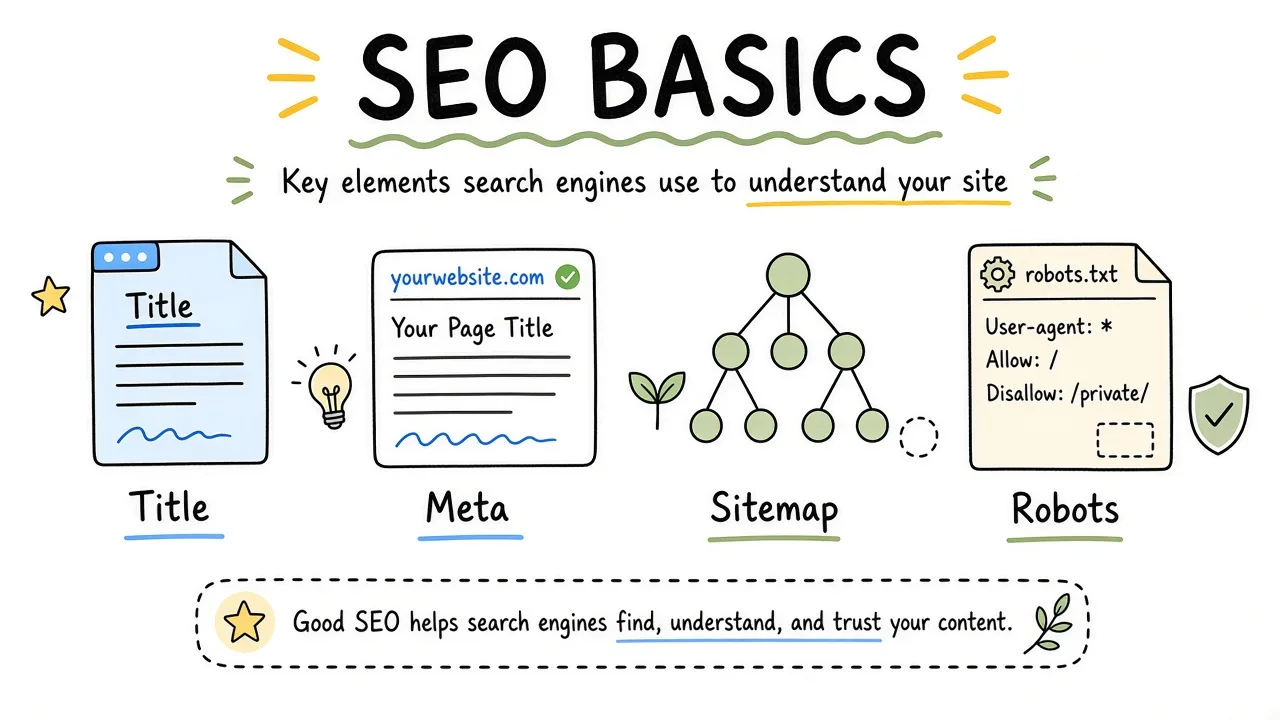
Indexable production, sitemap submission, titles, and redirects as the launch SEO floor.
Keep this section thin on purpose. Deep crawl, canonical, and Core Web Vitals work deserve their own pass once the ops checklist is green.
Forms, analytics, and conversion plumbing
A business site that cannot take a lead is still a draft. Test every public form on the live domain with a real submission. Confirm the thank-you state, the notification email, CRM or spreadsheet destination, and spam filtering that does not silently drop customers.
Check privacy expectations for your region. Cookie banners and consent tools should match how you actually load analytics and ads pixels. Broken consent UX that blocks the form is a launch defect.
Install analytics with a documented property ID and access list. Mark the launch date in your notes so later reporting has a clean before/after. If you use Google Analytics or a privacy-first alternative, verify real-time hits from an incognito session on production. Search Console verification belongs here too, so coverage issues show up early.
Chat widgets, schedulers, and payment buttons get the same treatment as forms. One failed Calendly embed on the “Book a call” page will cost more than a week of copy tweaks.
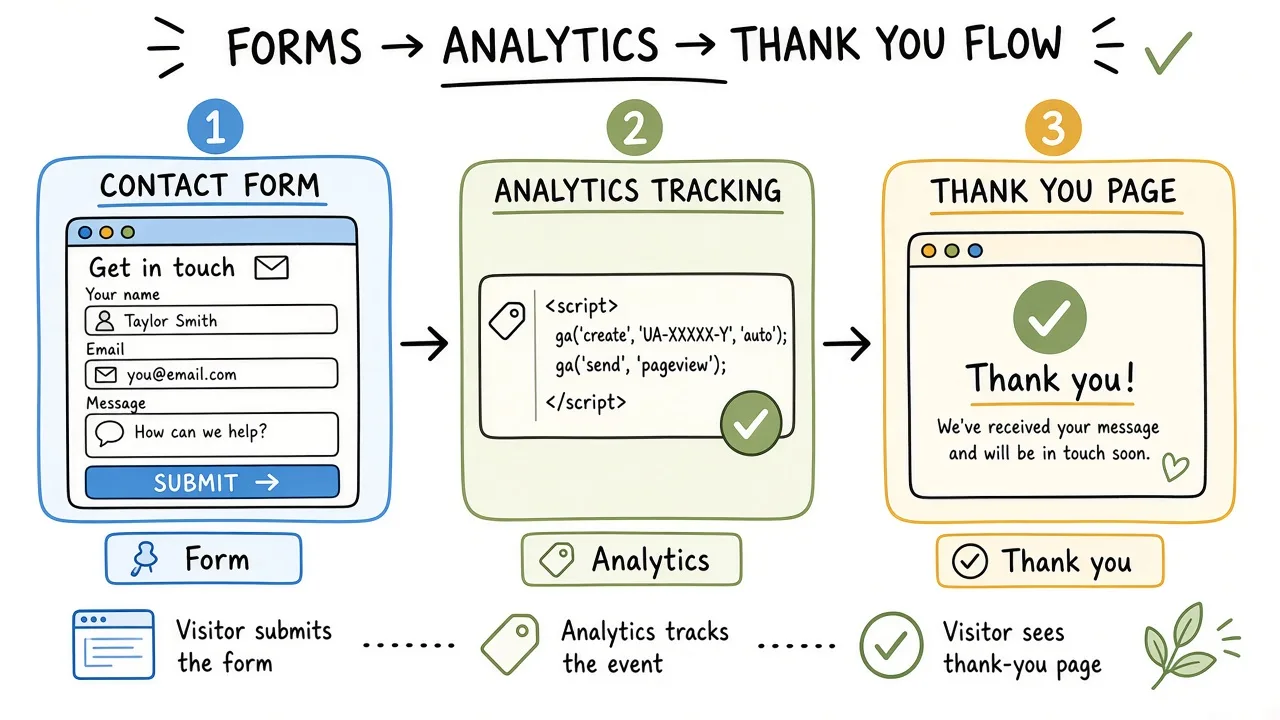
Lead path from form to inbox or CRM, with analytics and Search Console attached.
Key takeaway: Conversion plumbing is part of launch QA. Design review does not replace a logged test lead with a timestamp.
Clean handoff after go-live
Handoff is where freelance and agency projects quietly fail. The site is live, invoices are paid, and institutional knowledge walks out with the builder.
Deliver a short operations packet. Include hosting and DNS login locations (not passwords in email), WordPress admin URL, how to create a new page from the standard template, how to purge cache, backup schedule and restore contact, plugin list with purpose notes, and who to call for emergencies in the first 30 days.
Train the editor on the actual workflow they will use weekly. A 40-minute Loom that shows “add a service page” and “update the homepage hero” beats a generic WordPress course. Remove temporary admin accounts when training ends.
Align commercial expectations. Ongoing updates, security monitoring, and small content edits are maintenance. New templates, checkout redesigns, and migrations are projects. If you need retained care after launch, say so explicitly rather than hoping “a quick look” covers ransomware week.
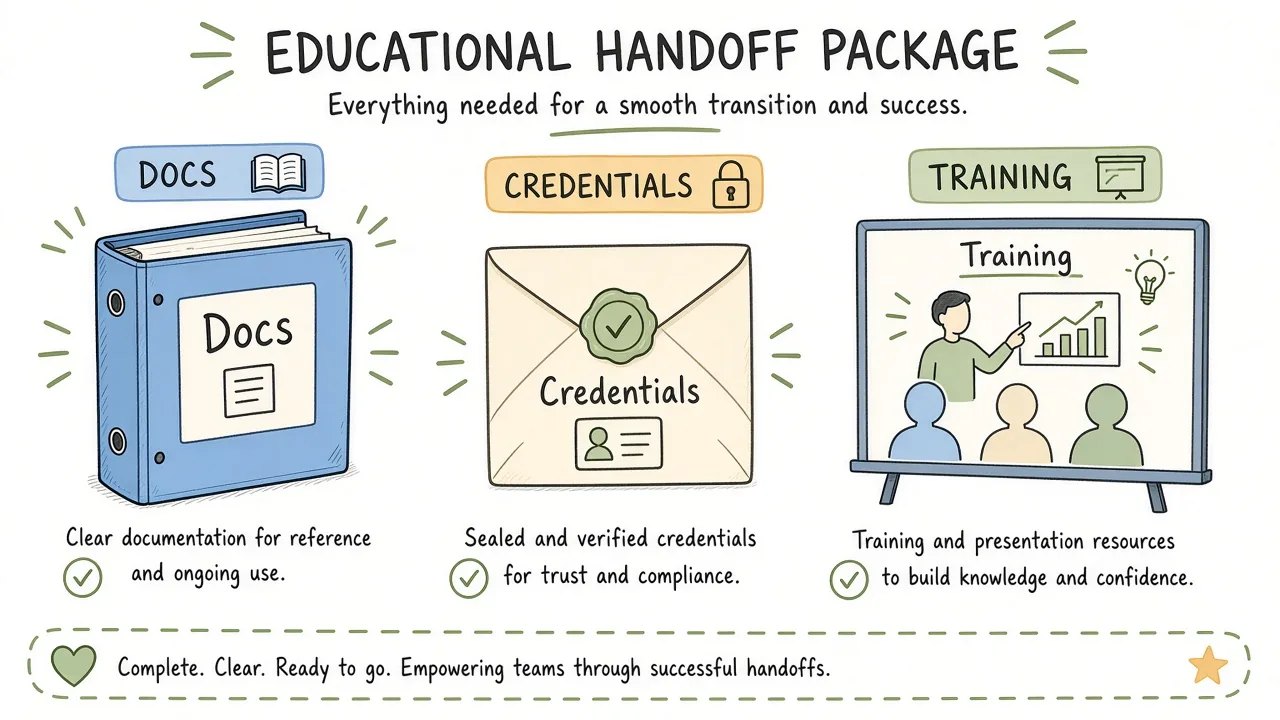
Operations packet, editor walkthrough, and a defined support window after cutover.
Worked scenario for a regional services firm
Imagine a 12-page site for a regional professional services firm. Staging looked polished. Launch week still needed a checklist with teeth.
Monday filled the ownership sheet. Domain and DNS sat with the firm’s IT contractor. Hosting and WordPress admin sat with the web partner. Analytics used a company Google account instead of the designer’s personal login.
Tuesday confirmed hosting on current PHP, issued the HTTPS certificate for apex and www, and connected SMTP to the firm’s workspace. A search-replace fixed three internal links still pointing at the staging subdomain.
Wednesday’s security pass removed two unused builder demo plugins, rotated the shared admin password into individual editor accounts, and enabled 2FA for administrators. The backup plugin wrote to offsite storage, and a restore into a throwaway subdomain succeeded in under an hour.
Thursday handled the image pass on the homepage hero and team photos, documented one caching path, and tested forms to both the office manager inbox and the CRM. One notification rule had been left on the staging address and would have failed silently.
Friday morning verified Search Console, submitted the sitemap, and unchecked “discourage search engines.” Redirects for five old service URLs from the previous brochure site shipped. Soft launch went to staff only.
Friday afternoon paid off the earlier DNS TTL drop. Cutover, purge CDN, retest forms on the public hostname. The handoff note went out with the editor Loom and a two-week hypercare window for break/fix fixes.
That sequence is ordinary. What made it safe was evidence at each gate. A fancier theme would not have substituted for those checks.
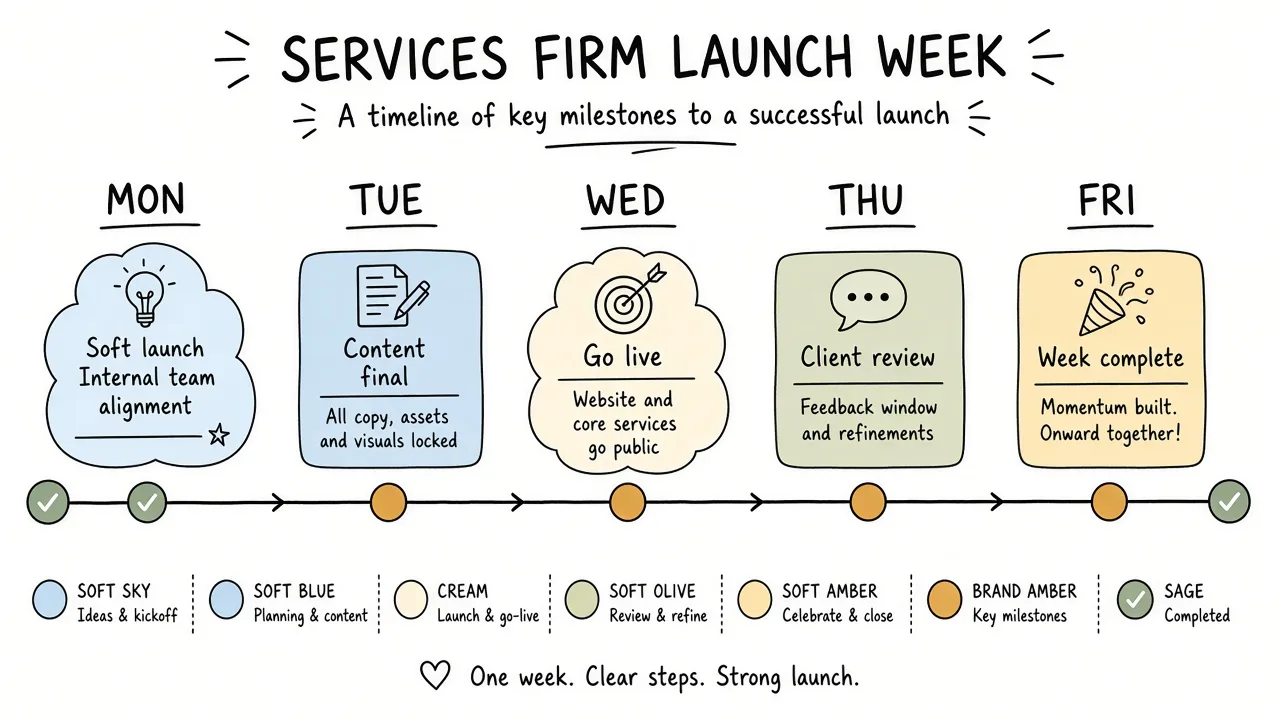
A five-day launch week with ownership, hosting, security, QA, and cutover gates.
First two weeks after launch
Post-launch is when real users and bots stress assumptions. Watch hosting resource graphs, error logs, and form notification failures daily for the first week. Confirm backups still succeed on the live site. Recheck Search Console for coverage or security messages once data starts flowing.
Expect content edits. Editors will paste from Docs, upload oversized images, and install “just one plugin” if permissions allow. Keep a short change log for the hypercare window so you can correlate “we installed X” with “forms broke Tuesday.”
If paid campaigns start immediately, align UTM conventions and landing-page cache behavior before spend scales. A cached thank-you page that still shows the form will confuse both users and attribution.
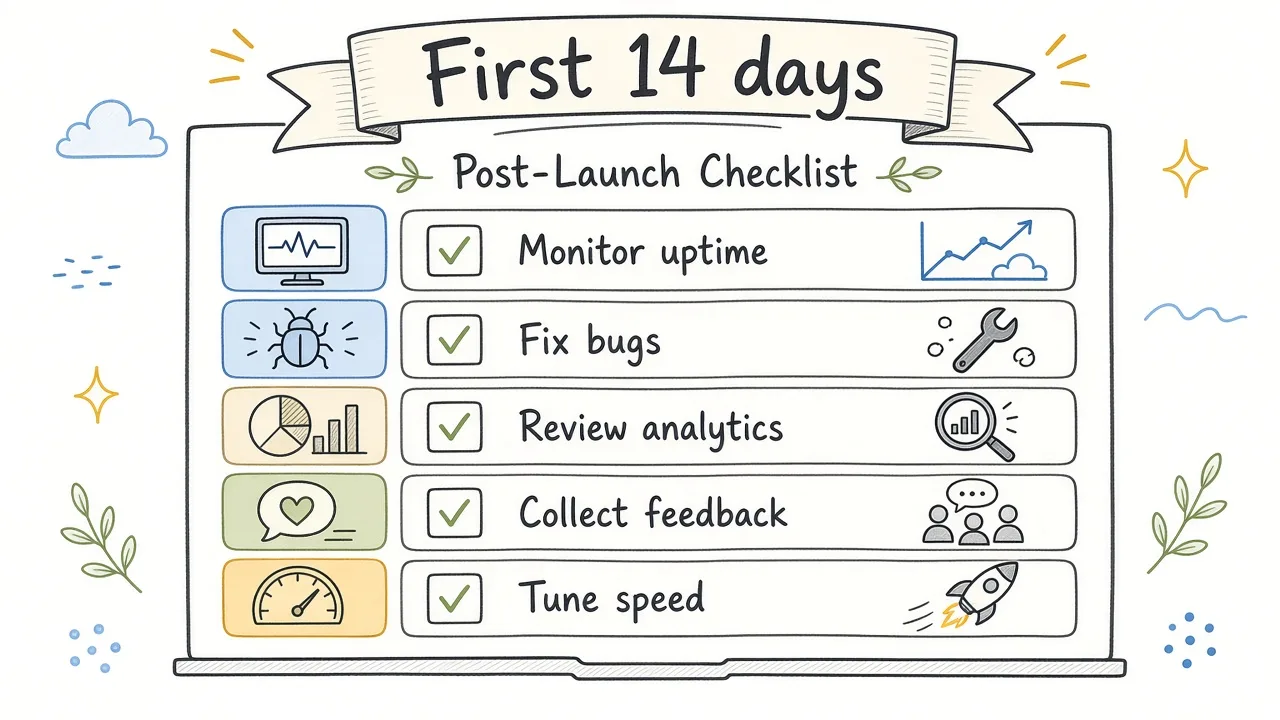
Hypercare loop watching logs, backups, forms, and Search Console after go-live.
Plan the next ops milestone while the launch is fresh. Monthly updates, a quarterly restore drill, and a deeper SEO or conversion pass once traffic patterns are real all belong on the calendar. Launch completeness and long-term growth are different jobs.
Frequently asked questions
When should we flip DNS relative to content freezes?
Freeze structural and plugin changes 24-48 hours before cutover when you can. Copy tweaks on existing pages are usually fine. Large theme or builder changes mid-cutover make it hard to tell DNS lag from a real regression.
Do we need a staging site forever?
Keep staging if you update plugins monthly or ship non-trivial theme changes. Tiny brochure sites that rarely change can sometimes live with host-level staging on demand. The rule is simple. If you cannot afford a broken homepage for a day, keep a place to test updates.
Is a page builder OK for a business launch?
Yes when the team will actually edit within shared templates and someone owns updates. It becomes expensive when every page is a one-off and the builder, theme, and “helper” plugins all need coordinated updates. Decide the editing model before launch. Waiting until the first broken homepage costs a support week.
What is the minimum backup policy for a lead-gen site?
Daily database backups, regular full-site backups, one offsite copy, and a restore test before go-live. Increase frequency if you publish or take orders all day. Hosting snapshots alone are a single point of failure when the panel is the incident.
Should security plugins replace hosting firewalls?
They solve different layers. Host and network controls stop a lot of noise before PHP runs. Application-level plugins help with login abuse and file integrity. Overlapping products that both rewrite .htaccess or both challenge every visitor will create support tickets. Pick a stack and document it.
How technical should the client handoff be?
Technical enough that the client can recover access and make routine edits without you. Not so dense that it becomes an unread PDF. Login map, editing workflow, backup contacts, and escalation path beat a 40-page manual.
Can we launch without Search Console?
You can, but you will fly blind on indexation and security notices. Verification is cheap relative to a week of “why are we not showing up.” Do it during launch week if Google search matters to the business at all.
What belongs in hypercare versus a new project?
Hypercare covers defects from the build and launch configuration. New page templates, new integrations, and redesigns are new scope. Write that boundary down so goodwill does not become unpaid product work.
Close the gate, then keep the lights on
A WordPress launch checklist for a business site is really an evidence checklist. Owners named, hosting fit for purpose, security defaults in place, plugins justified, backups restored once, performance good enough for real phones, SEO not self-sabotaged, forms proven, and a handoff people will use.
When those gates are green, marketing can spend and editors can publish without inventing ops under pressure. When they are yellow, delay the announcement. The URL will wait; a public failure will not.
If you want help turning this into a concrete go-live plan or a clean build before DNS flips, reach out via the contact form.