
On this page
A website build goes sideways when the kickoff is a Loom, a Figma moodboard, and a hope that everyone shares the same definition of “done.” Founders feel this first. You are paying for a site that should win leads, explain the product, or close a funding round, and instead you get endless polish on the wrong pages.
A website development brief is the short document that fixes that. It states what you are building, for whom, what is in and out of scope, who owns which accounts, and how you will accept the work. This guide gives you a copy-ready brief template plus the reason each block exists, so you can brief a freelancer, an agency, or an in-house builder without rediscovering the same gaps mid-sprint.
Why a brief beats a vague kickoff call
Kickoff calls are useful for tone and trust. They are terrible as the only source of truth. People remember different sentences. Slack threads bury the one decision that mattered. Three weeks later someone asks whether blog SEO was included, and nobody can point to an answer that was written down.
A brief forces the hard questions early, when changing direction is cheap. It also protects the builder. Clear scope is how good freelancers quote honestly and how you compare quotes without apples-to-oranges theater.
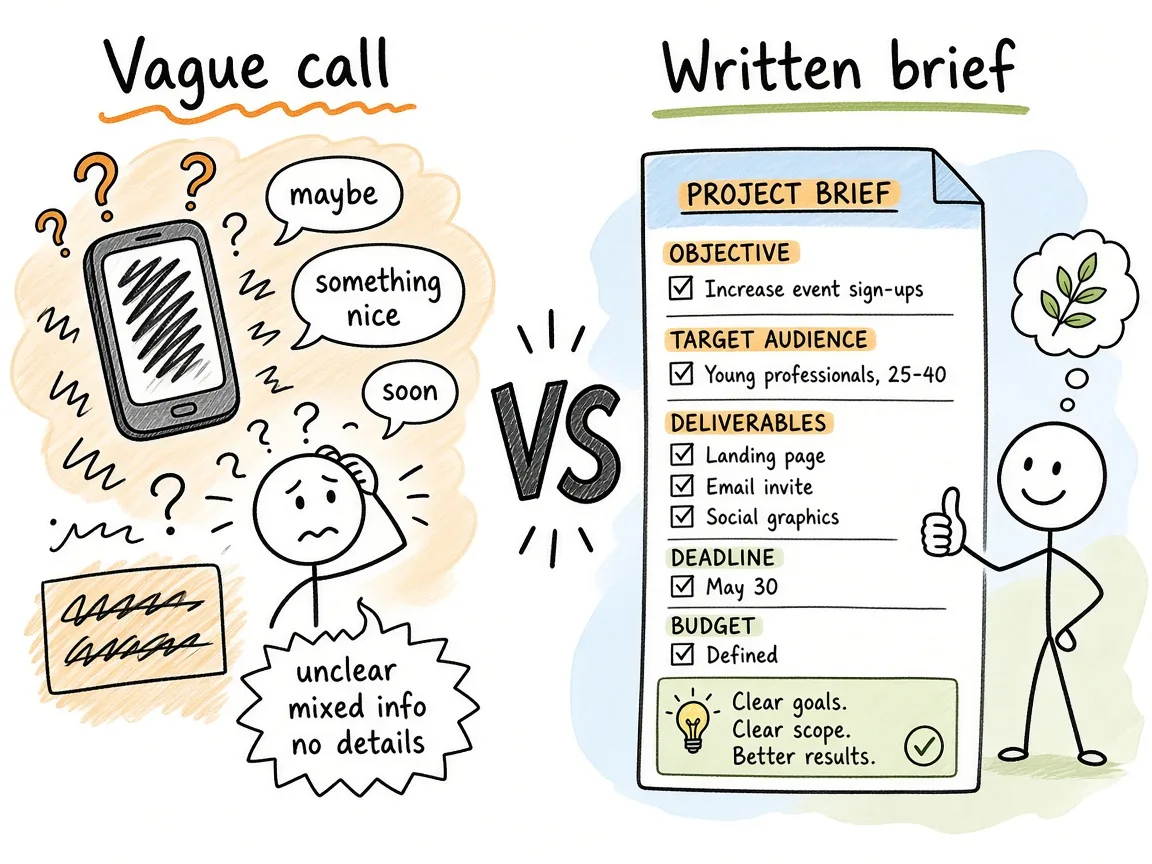
A clipboard brief sits between a kickoff call and a build calendar so decisions stay written.
Key takeaway: If a decision is not in the brief or an amendment to it, treat it as undecided. That single rule prevents most “I thought we agreed” fights.
Goals and how you will know the site worked
Start with outcomes, not page count. “We need a marketing site” is a category. “We need qualified demo requests from Series A SaaS buyers in the US and EU” is a goal. Write two or three goals max. More than that usually means you are mixing a brand site, a product app, and a content engine into one vague wish.
For each goal, add a success signal you can observe in the first 30 to 90 days after launch. Examples that work in a brief:
- Demo form completions per week (baseline vs target range)
- Time-to-first-useful-page for a new visitor (home to pricing or docs)
- Organic impressions for a defined cluster of phrases once Search Console is connected
- Support tickets that stop because a FAQ or docs page now answers them
Do not put “rank #1 for our category keyword” as a success signal unless you already have a content and link plan. Rankings are an outcome of many systems. A brief can set SEO expectations (see later). It should not promise positions.
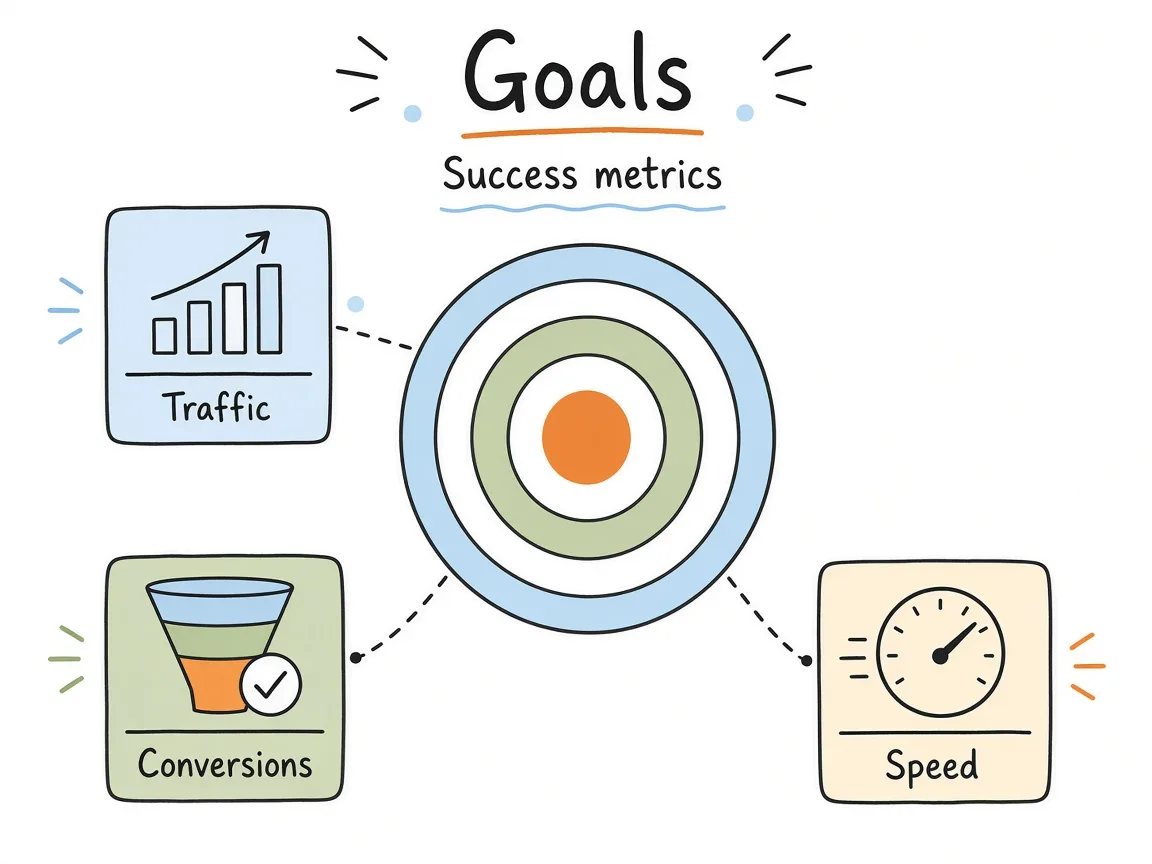
Goals sit above page lists. Each goal ties to a signal you can check after launch.
Audience, primary jobs, and objections
Most briefs skip audience or paste a persona from a pitch deck. Builders need something sharper. Who arrives, what job are they trying to finish, and what would make them leave?
Write three short audience notes at most. For each one, answer:
- What did they just search, click, or get referred from?
- What decision are they trying to make on this visit?
- What proof would reduce risk (customer logos, pricing clarity, security page, founder story)?
If you sell to buyers and users, say which site is for which. A founder product site that tries to convert end users and CFOs on the same homepage usually dilutes both.
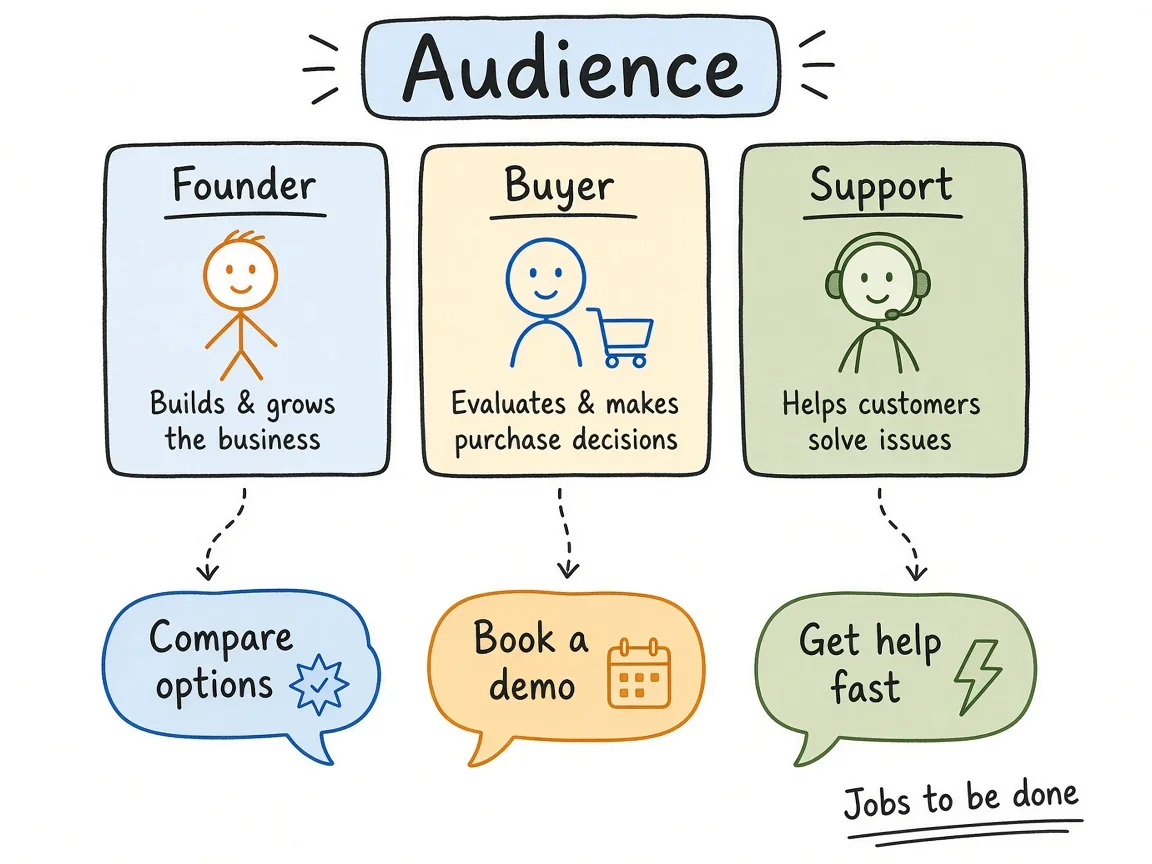
Each audience note pairs a job-to-be-done with the proof that reduces bounce.
Sitemap, pages, and critical flows
This is where vague projects become shippable. List the pages you need in v1, then the flows that must work end to end. A page list without flows is how contact forms ship broken and how “book a demo” becomes a mailto link nobody tested on mobile.
Suggested shape for the brief:
- Must-ship pages. Home, product or services, pricing (or how you sell), about, contact or demo, legal pages you actually need.
- Should-ship if budget allows. Case studies, blog index, careers, integrations, status page.
- Explicitly later. Anything you are tempted to invent mid-build (customer portal, full docs site, community forum).
Then list flows as numbered paths, not features:
- Visitor lands on home → pricing → demo form → thank-you page → email notification to sales.
- Visitor lands on a service page → related case study → contact.
- Returning visitor hits an old URL → redirect to the new path (redirect map stub).
If you already have a live site, attach the current URL inventory and mark keep / merge / kill. Redesigns that ignore the old URL map create SEO and bookmark damage that looks like “the new site killed traffic” when the brief never asked for redirects.
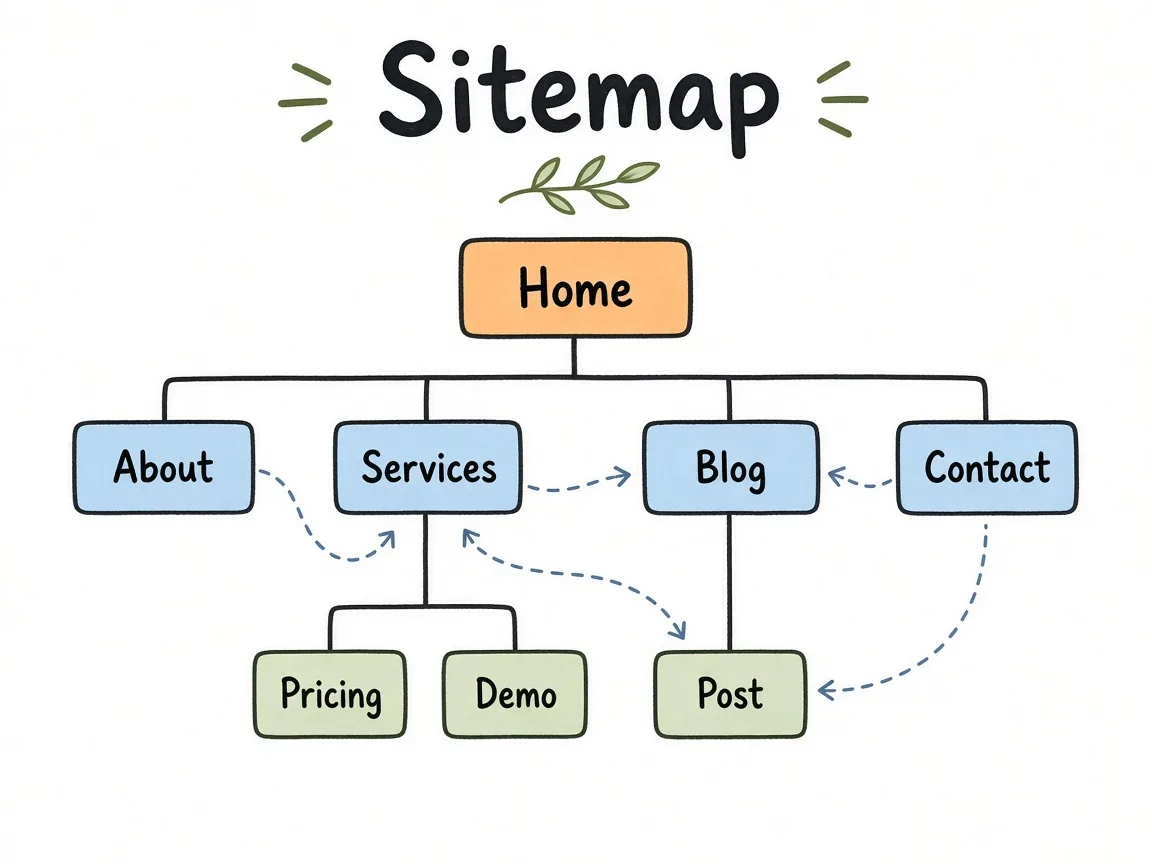
Page boxes and flow arrows belong in the same section so “done” includes the path, not only the layout.
SEO expectations worth writing down
Founders often say “we need SEO” the way they say “we need branding.” Builders hear either a full content program or basic technical hygiene. Put the expectation in the brief so quotes match reality.
A practical SEO block for a marketing site build usually covers:
- Technical baseline. HTTPS, sensible URL structure, XML sitemap, robots.txt that does not block money pages, canonicals on primary templates, crawlable HTML for main content.
- On-page for agreed templates. Unique titles and H1s, meta descriptions you can edit later, internal links between hubs and money pages.
- Analytics and Search Console. Who creates the properties, whose Google account owns them, and that the builder gets access only as needed.
- Content production. Say whether launch includes N articles, migration of old posts, or none. “We’ll do blog later” is fine when it is written down.
- Redirects. Required when replacing an existing domain or path structure.
What the SEO block should not do is guarantee rankings, traffic, or a fixed position by a date. Google’s own guidance on creating helpful content is about usefulness and trust, not vendor promises. Your brief can require a site that is crawlable and clear. It cannot buy a SERP slot.
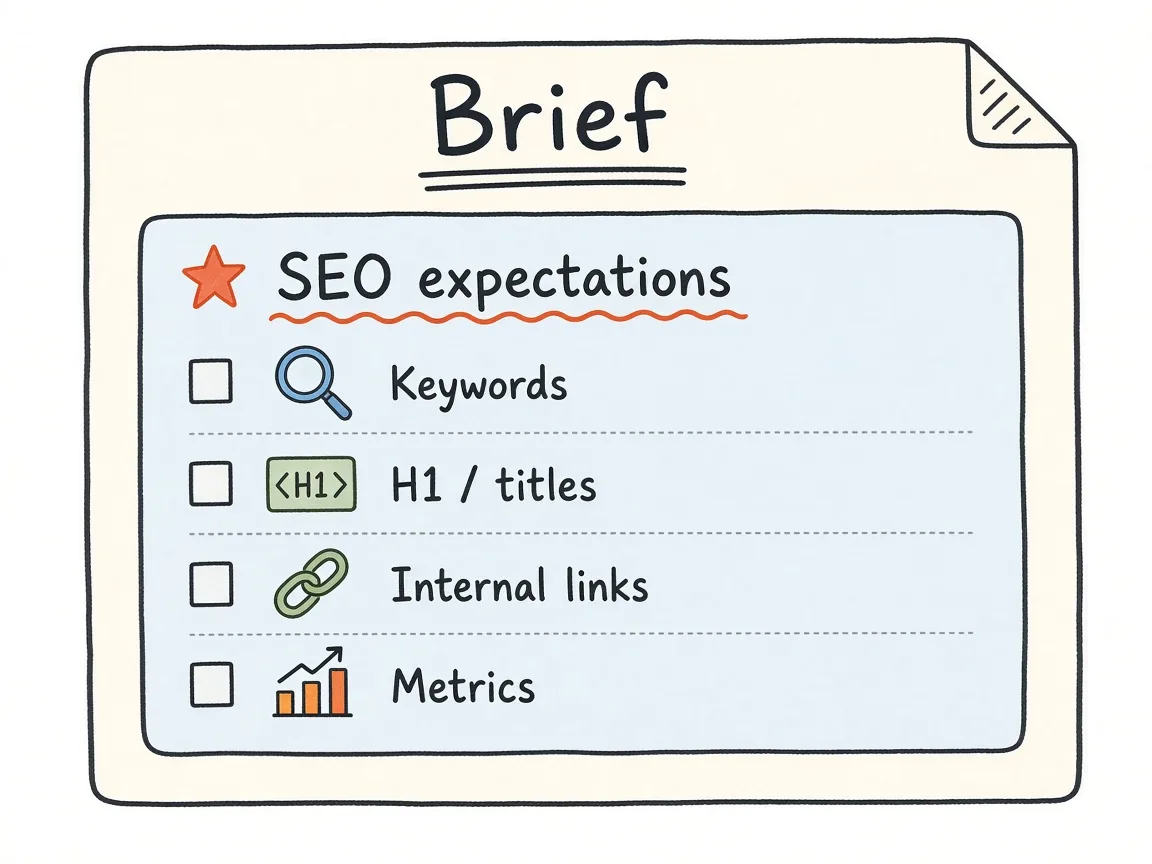
Technical baseline, on-page templates, Search Console ownership, and redirects sit in one honest SEO section.
Common mistake: Asking for “full SEO” with no content budget and no redirect map, then blaming the theme when organic drops after a redesign.
Milestones, reviews, and decision owners
Milestones turn a brief into a calendar people can plan around. Keep them few and concrete. A typical marketing site shape:
- Brief locked. You and the builder sign off on scope, pages, SEO expectations, and out of scope.
- Structure and wireframes. Information architecture and key templates agreed before visual polish.
- Design for primary templates. Home plus one interior money page before designing every page.
- Build and content drop. Copy and assets arrive on a stated date or the timeline slips by definition.
- Staging review. Functional and content QA against the acceptance list.
- Launch and handoff. DNS, analytics, repo access, and documentation as defined in ownership.
Name a decision owner for design, copy, and technical go-live. Committees that all “approve” and nobody decides will burn your timeline. If you are the founder, write your own name for final call on brand and messaging, and name who can approve staging bugs day to day.
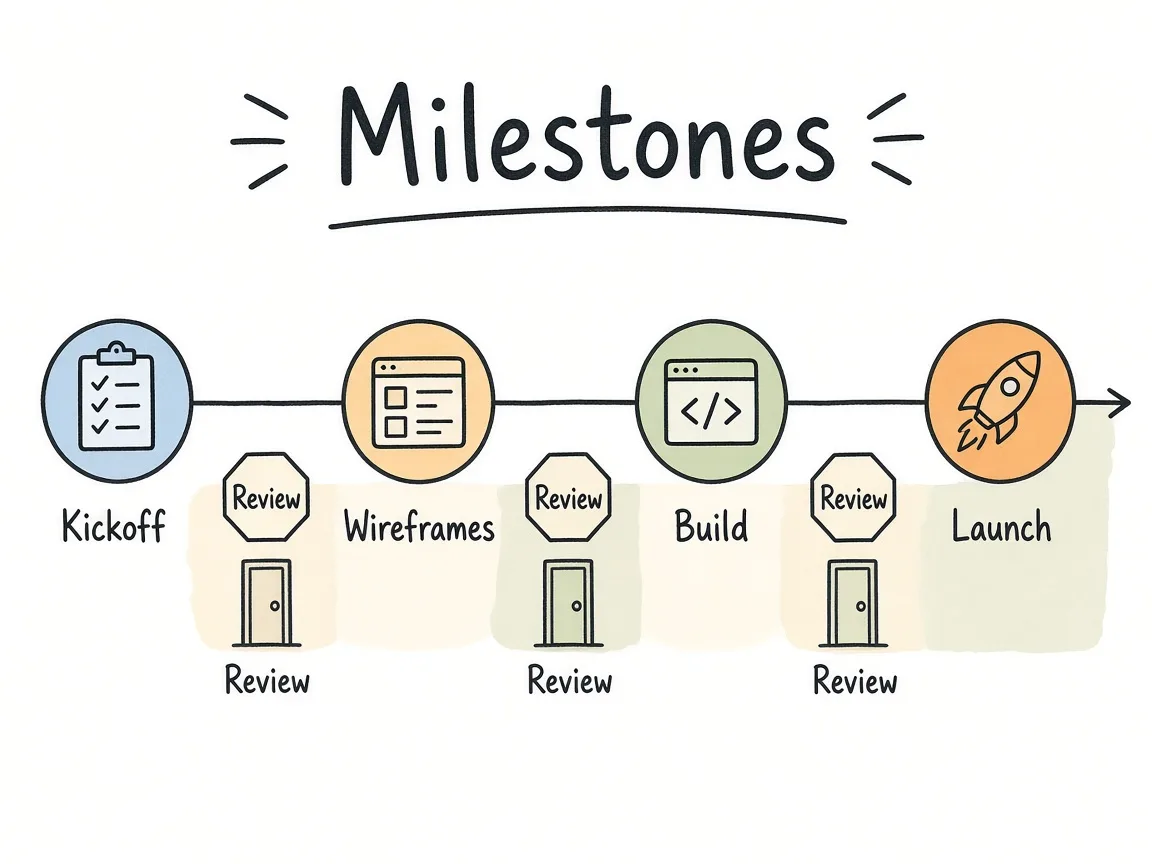
Each milestone has a date window and one named owner for the call that unblocks the next step.
Ownership of accounts, domains, and code
This section saves relationships. Before anyone starts, write who owns:
- Domain registrar and DNS
- Hosting or platform account (Vercel, Netlify, Cloudflare Pages, WP Engine, and so on)
- Git repository
- CMS (if any)
- Google Analytics / GA4 and Google Search Console
- Email sending for forms (Resend, Formspree, your ESP)
- Third-party scripts (chat, ads, A/B tools)
- Design files (Figma)
Default rule that works for most founders: the company owns every production account. The builder gets invited collaborator access, not personal ownership of the domain or the repo. If a freelancer insists on holding the domain “until final payment,” that is a negotiation flag, not a standard practice.
Also write what happens at handoff: admin invites transferred, personal builder accounts removed, deploy keys rotated if needed, and a short README for how to ship a change.
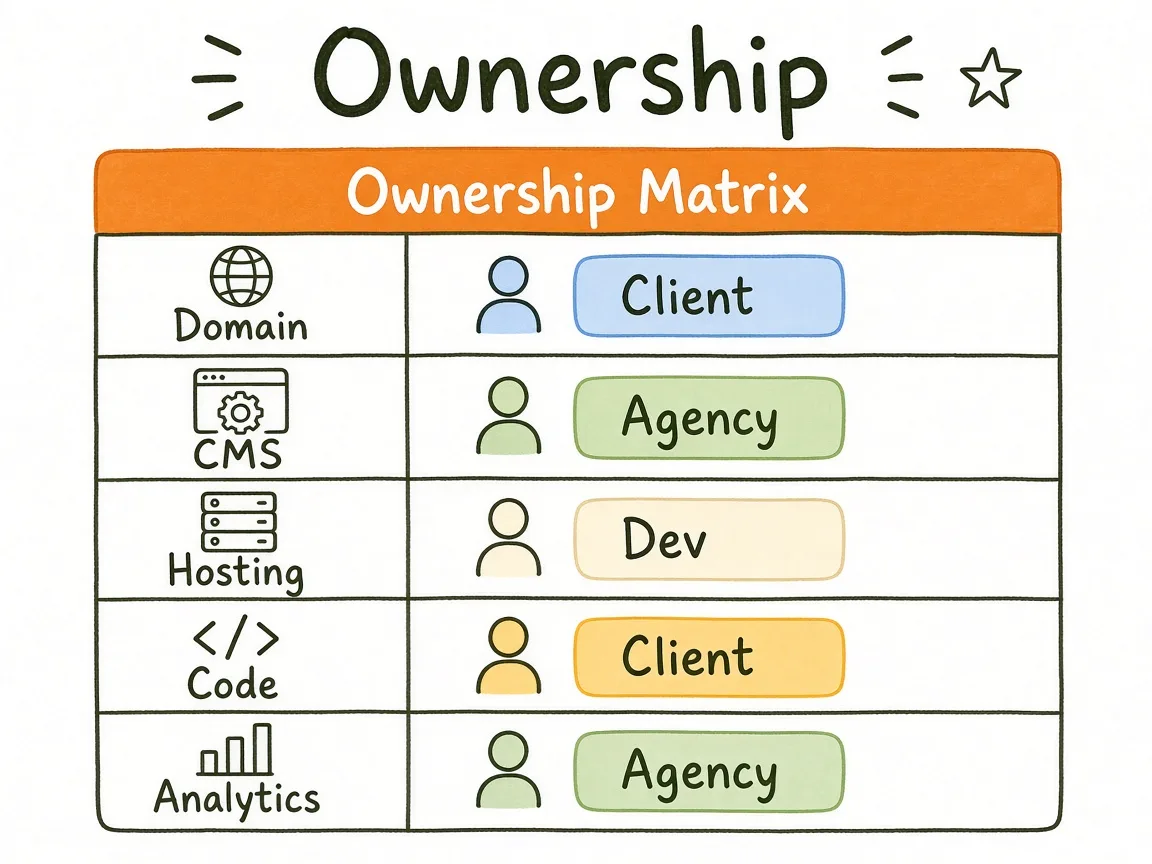
Company-owned accounts with builder access, not builder-owned production keys.
Warning: Do not leave Search Console or the domain under a contractor’s personal Gmail after launch. When that relationship ends, recovery gets ugly.
Out of scope (the section that protects everyone)
Out of scope is not hostility. It is how you keep the quote honest. List the work you are not buying in this engagement, even if it sounds related.
Common items for a marketing site brief:
- Custom web app or logged-in product UI
- Ongoing content writing beyond an agreed article count
- Link building or outreach
- Paid ads setup and management
- Brand identity from scratch (logo, full guidelines) unless quoted
- Photography or video production
- Multilingual expansion beyond listed locales
- Migrations of email lists, CRM pipelines, or billing systems
- SLA-backed uptime beyond the host’s default
If something might appear later, put it under “phase 2 candidates” instead of smuggling it into v1 verbally. Builders who nod along to infinite scope either underdeliver or send change orders. Founders who refuse to write out of scope usually discover it as surprise invoices.
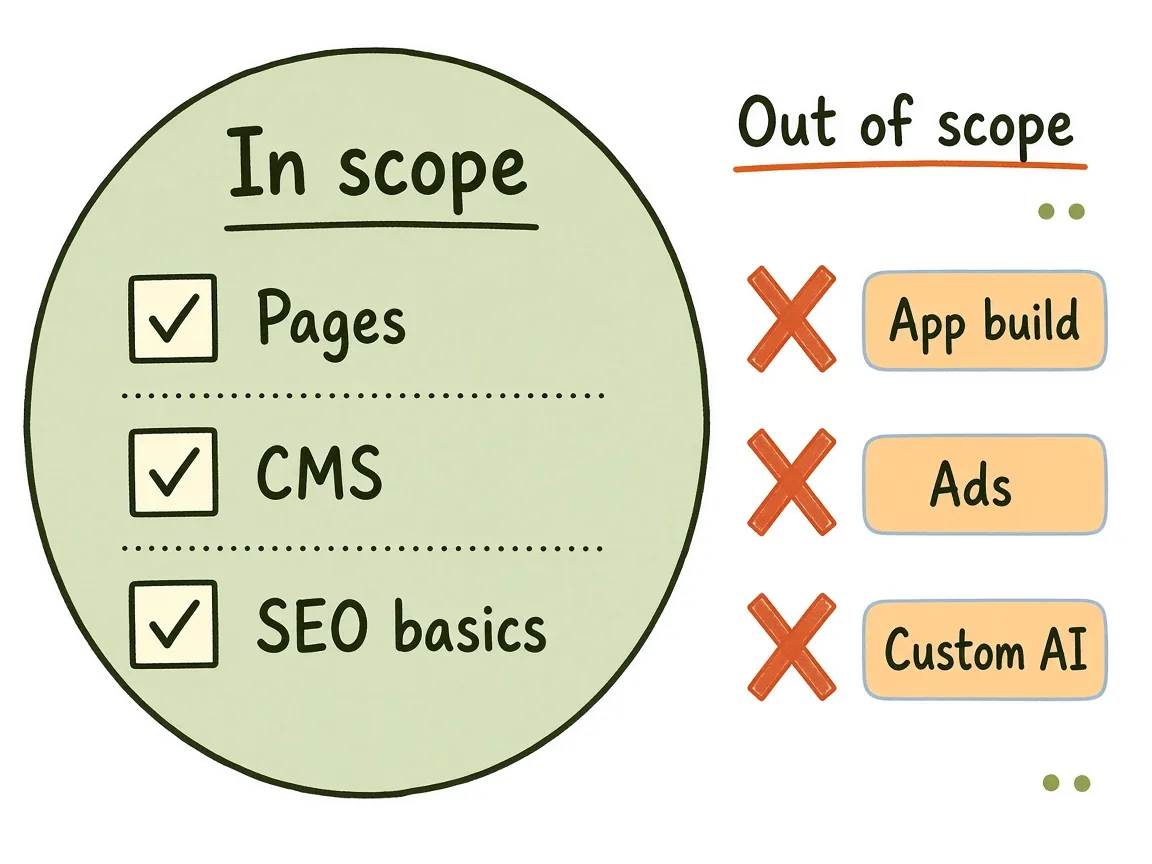
Out of scope items sit outside the v1 fence so quotes stay comparable and change orders stay intentional.
Acceptance criteria that say when the site is done
Acceptance is the checklist you use on staging before DNS flips. Without it, “done” becomes taste. With it, taste still matters for design, but ship-blocking issues are objective.
Write acceptance as pass/fail statements tied to the brief:
- Every must-ship page is reachable from primary navigation or an agreed sitemap path.
- Every listed flow completes on desktop and a mid-size phone (form submits, thank-you shows, notification arrives).
- Redirects from the agreed map return the correct destination.
- Titles and H1s exist for primary templates and match the agreed copy deck.
- Analytics fires on key events you listed (form submit, outbound calendar click).
- Legal pages linked in the footer are present if required for your market.
- Broken links and console errors on primary templates are cleared or explicitly waived.
- Repo, hosting, and analytics access match the ownership section.
Design polish can have a separate “known follow-ups” list. Do not hold launch hostage for pixel debates that were never in the brief, and do not skip broken flows because the homepage looks good.
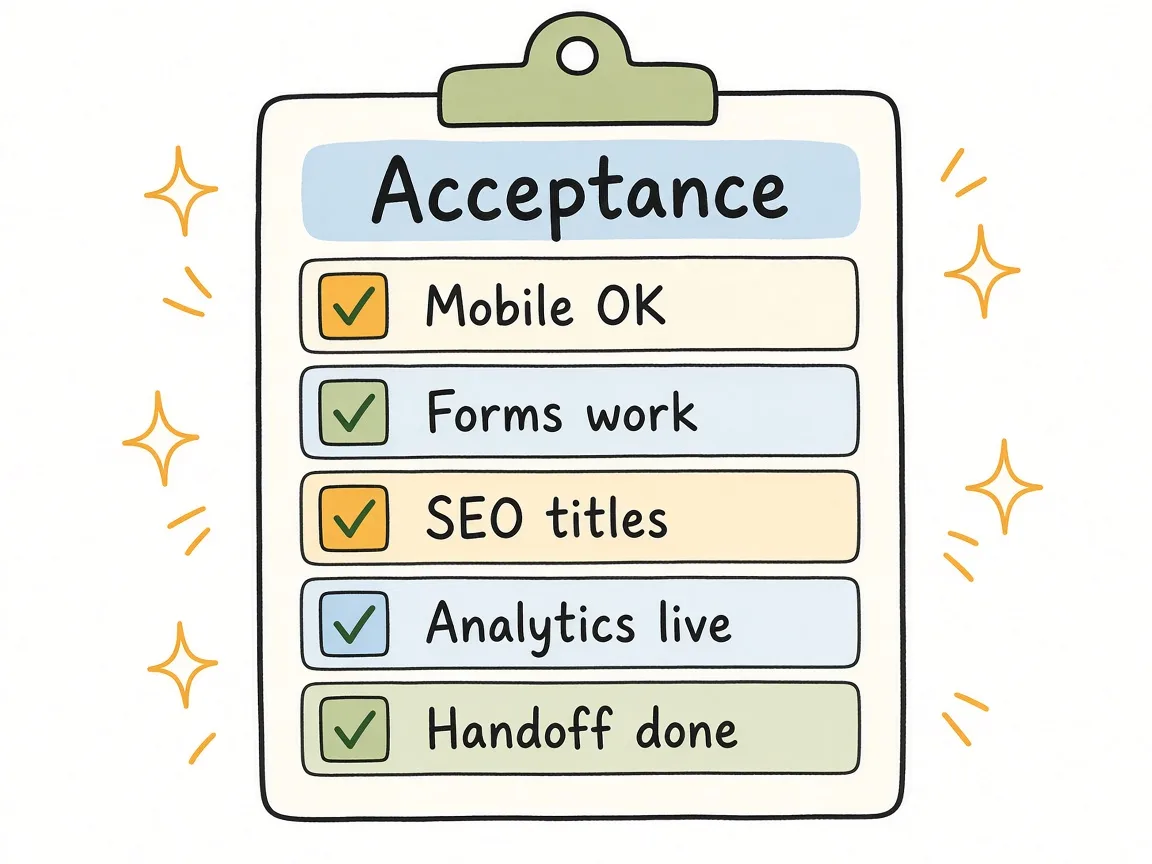
Pass/fail acceptance lines turn staging review into a ship decision instead of a taste argument.
Worked scenario for a B2B SaaS founder briefing v1
Maya runs a Series A workflow tool. She needs a public site before a partner announcement in six weeks. She is tempted to ask for “a modern site like Linear, plus a blog, plus a customer portal teaser.”
She fills the brief instead:
- Goals. Partner-ready product story; demo requests from mid-market ops leads; Search Console connected with redirects from the old Webflow paths.
- Audience. Ops managers evaluating tools this quarter; partners checking integration credibility.
- Must-ship pages. Home, product, integrations, pricing, security, about, demo, privacy, terms. Blog index with three migrated posts only.
- Flows. Demo form to HubSpot; security page linked from footer and pricing footnote.
- SEO. Technical baseline, redirects from 14 old URLs, no new content retainer in v1.
- Out of scope. Customer portal UI, custom illustrations pack, ads, ongoing blog production.
- Ownership. Company Cloudflare and GitHub; builder as collaborator; Maya owns GA4 and Search Console.
- Acceptance. Flows tested on staging; redirect spot-checks; form lands in the right HubSpot pipeline.
The quote she gets is comparable across two freelancers because both are pricing the same fence. When someone suggests a portal mock during week three, she points at out of scope and schedules phase 2 instead of blowing the partner date.
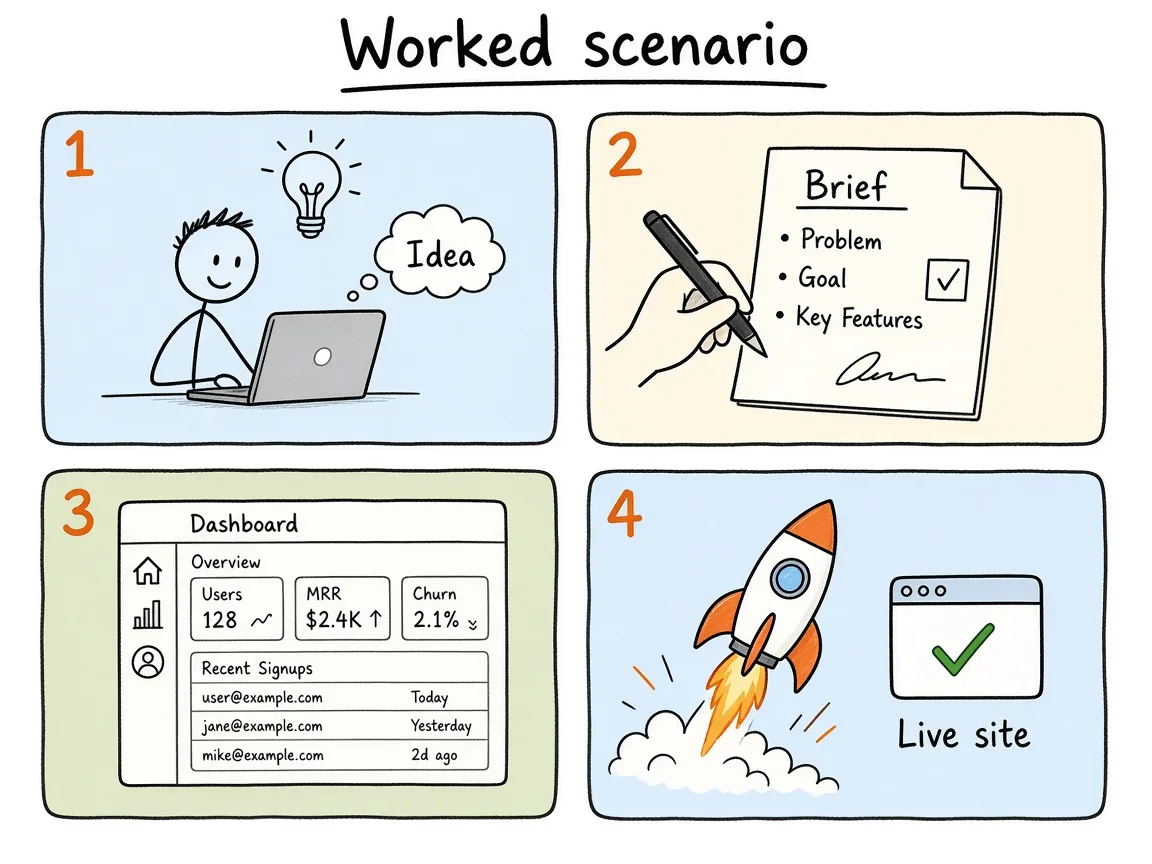
Maya’s brief fences partner-ready pages and redirects, and parks the portal in phase 2.
Copy-paste website development brief template
Use this as a working doc. Delete the guidance in parentheses as you fill answers.
1. Project snapshot
- Working title / company name:
- Primary domain (current and intended):
- Target launch window:
- Decision owner (final call on scope and go-live):
- Day-to-day contact:
2. Goals and success signals
- Goal 1 + how we will measure it in 30-90 days:
- Goal 2 + how we will measure it:
- Goal 3 (optional):
- What this site is not meant to solve:
3. Audience and jobs
For up to three audiences:
- Who they are:
- Job on this visit:
- Proof that reduces risk:
- Primary CTA we want from them:
4. Brand and constraints
- Existing brand assets (logo, colors, fonts, Figma):
- Tone notes (three adjectives max, plus one “avoid”):
- Competitors or reference sites (what to borrow structurally, not copy):
- Accessibility or compliance notes (WCAG target, industries, regions):
- Languages / locales in v1:
5. Sitemap and flows
- Must-ship pages:
- Should-ship if budget allows:
- Explicitly later / phase 2:
- Critical flows (numbered):
- Existing URL inventory attached? (yes/no + link):
- Redirect map owner:
6. Content and assets
- Who writes copy:
- Copy freeze date for launch templates:
- Image / video sources:
- Customer quotes or logos approved for use:
- Legal pages required:
7. SEO and measurement
- Technical SEO baseline required? (yes/no)
- On-page for which templates:
- Blog / content in v1 (count or none):
- Redirects required? (yes/no)
- Analytics tools and event list:
- Search Console and analytics account owners:
8. Stack preferences (optional)
- Preferred framework or CMS (or “builder recommends”):
- Hosting preference:
- Form / CRM destination:
- Things we already pay for that must be reused:
9. Milestones
| Milestone | Target window | Owner | Exit criteria |
|---|---|---|---|
| Brief locked | |||
| IA / wireframes | |||
| Design for primary templates | |||
| Build + content drop | |||
| Staging acceptance | |||
| Launch + handoff |
10. Ownership
| Asset | Company owner account | Builder access level | Handoff note |
|---|---|---|---|
| Domain / DNS | |||
| Hosting | |||
| Git repo | |||
| CMS | |||
| Analytics | |||
| Search Console | |||
| Forms / ESP | |||
| Design files |
11. Out of scope
- List items not included in this quote:
- Phase 2 candidates (optional):
12. Acceptance criteria
- Checklist of pass/fail statements for staging:
- Known follow-ups allowed after launch (non-blocking):
- Sign-off names and date:
13. Commercial notes (keep short)
- Fixed fee or time-and-materials:
- What triggers a change order:
- Support window after launch (days of bugfix, if any):
That is the usable template. Everything above it exists so you fill these fields with intent instead of empty headings.
Handing the brief off without losing the plot
Send the brief before you ask for a final quote. Walk through it once live if the builder is new to you, then freeze a version (date in the filename or a shared doc version history). Changes after freeze become amendments. That sounds formal for a five-page site. It is how you avoid paying twice for the same week of work.
When you compare vendors, score them against the same brief. Ask where they disagree with your out of scope or your SEO block. Disagreement early is useful. Silence that turns into “SEO was implied” later is not.
After launch, archive the brief with the handoff README. The next contractor should not need a séance with your Slack history.
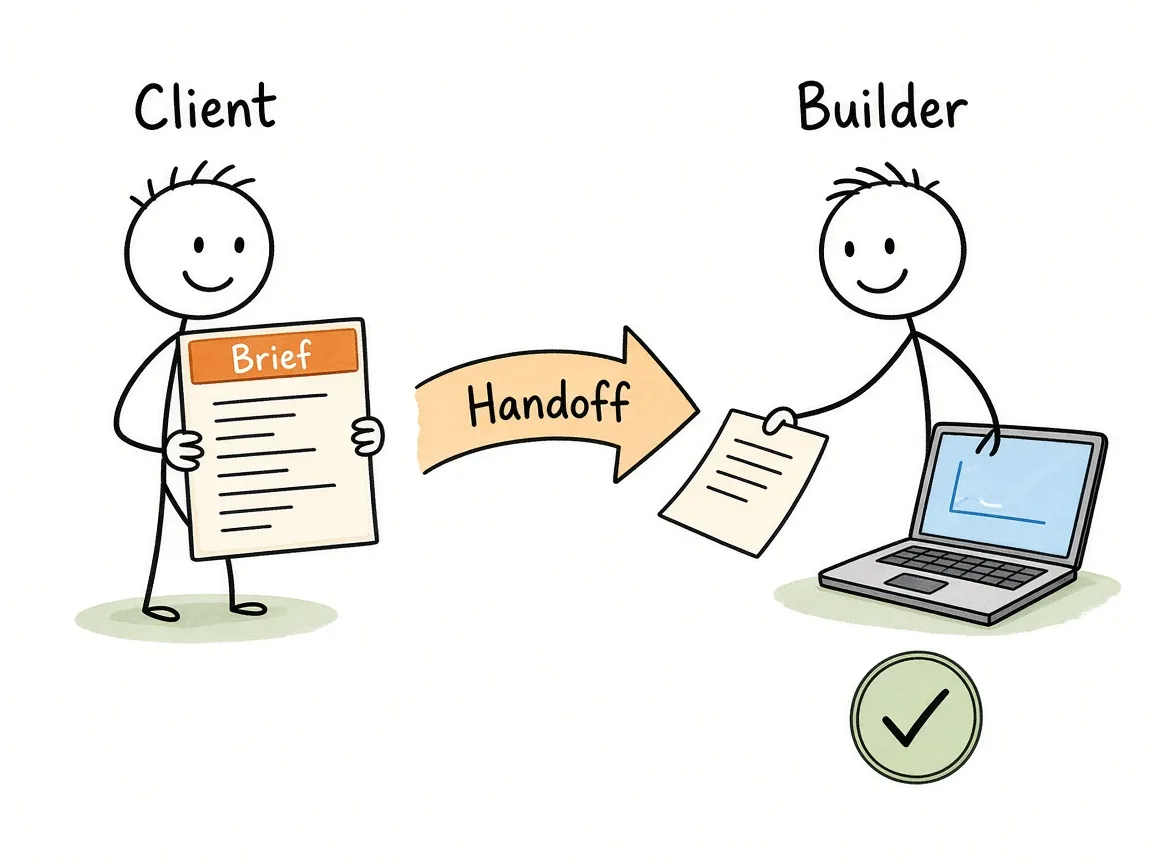
A dated brief version moves from founder to builder before the final quote, then archives with handoff notes.
Frequently asked questions
How long should a website development brief be?
Two to five pages is enough for most marketing sites. If you need a novel, you are probably specifying a product application. Keep the brief short and attach inventories (URLs, redirects, copy decks) instead of stuffing every row into the narrative.
Can I use this brief for Webflow, WordPress, and custom code?
Yes. The brief is stack-agnostic on purpose. Put preferences in the stack section if you have them. If you do not, ask the builder to recommend a stack that matches your ownership and update needs, then write that choice back into the brief before build starts.
What if I do not know my sitemap yet?
Say so, and make discovery a paid milestone with a clear exit: a proposed sitemap and flows you approve before visual design. Do not pretend certainty you do not have. Fake sitemaps create rework.
Should SEO and development be separate briefs?
For a small marketing site, one brief with an honest SEO block is usually better. If you are buying a large content program, technical SEO remediation, or international hreflang work, those can be separate statements of work linked from this brief so ownership stays clear.
Who should write the brief, founder or agency?
The founder (or the person who owns outcomes) should write goals, audience, out of scope, and ownership. A good builder can help refine sitemap, flows, and acceptance language. If an agency writes the entire brief alone, read it as their sales document until you edit the goals in your own words.
What belongs in a change order?
Anything that adds pages, flows, integrations, locales, or content volume beyond the locked brief, or that moves a phase 2 item into v1. Taste tweaks inside an approved template usually do not. If you are unsure, ask “does this change the acceptance checklist?” If yes, it is a change order conversation.
Close the loop before you buy hours
A clear brief will not make a weak builder strong. It will make strong builders faster, quotes comparable, and launch day boring in the ways you want. Fill the template, freeze a version, and treat amendments as normal when the business learns something new.
If you want help turning a rough brief into a scoped marketing site build (pages, SEO baseline, ownership, and acceptance included), reach out via the contact form.